
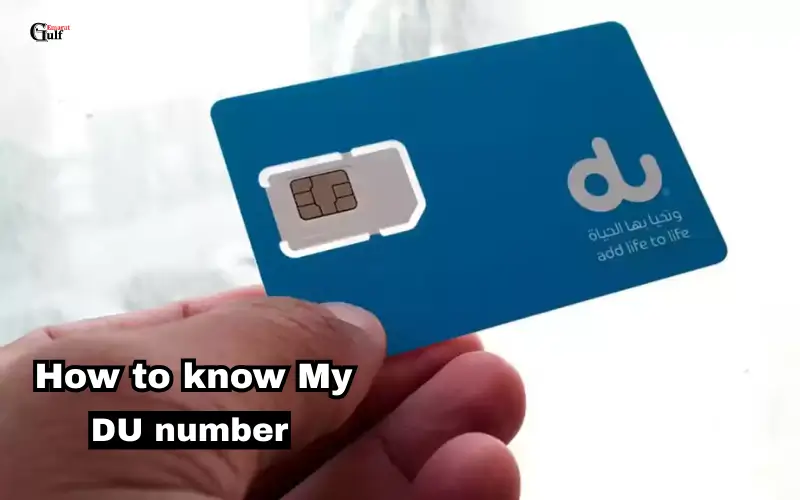
If you use the DU Telecom services and live in the United Arab Emirates, it is important to know your DU Number. You can use your DU number to make phone calls, send text messages and gain access to online services. People can forget or require their DU number for verification. This guide will show you 4 quick and safe ways to verify your DU number.
How to know my DU number?
What is a DU number?
The DU number you receive is unique to the DU SIM. The number is used to identify your line, both for prepaid and for postpaid service. Whether you’re a first-time user of DU or have used it for many years, your phone number will help you to manage your account and balance.
What you might need to check your DU number
You can find out your DU Number for several reasons:
- After buying a SIM, you forgot your old number
- You have lost or replaced your SIM.
- The number is required for online payment or registration on the DU App
- Verify your official document number.
You can easily and efficiently manage your Telecom services by knowing your DU Number.
Use USSD codes to check your DU number
USSD Codes: Step-by-step method
USSD codes are the fastest way to find your DU. The method applies to both postpaid and prepaid users.
- Dialer app: Open the dialer on your mobile phone.
- Press call after dialing *135#.
- You will see your DU Number on the screen.
- For some phones, you can also display your phone number by dialing *#06#.
The method works in all UAE cities, including Dubai, Abu Dhabi, Sharjah, Ajman, and Fujairah.
Use USSD codes with these Quick Tips
- It is not necessary to have a balance to verify your number.
- All DU SIMs, prepaid or postpaid.
- Take a picture of or write down your phone number to keep in mind.

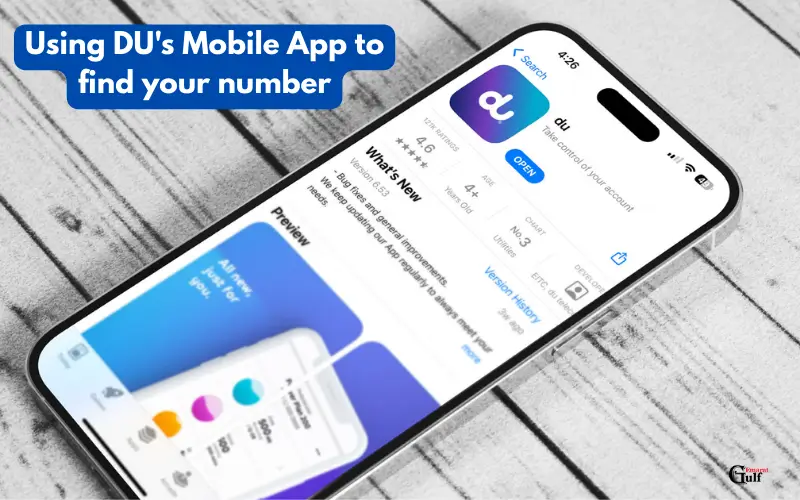
Using DU’s Mobile App to find your number
The DU App can be downloaded and installed
You can download the DU App for Android or iOS. Download it via the Apple App Store or Google Play Store. You can manage your DU Account, check your number, and recharge your account.
How to check DU number via app
- Log in to the DU App using your SIM card.
- Click on “My Account” (or “My Number”) to access the section.
- You will see your DU number on the screen.
Using the DU App has additional benefits. You can track your use, manage multiple sms, and gain access to exclusive offers. It is perfect for those who use their phone for everyday communication.
Find your DU number on the SIM packaging or documents
SIM card packaging should be checked
The SIM card packaging or sleeve will often have your DU number printed. This is a good way to locate your number if you’ve not activated your SIM.
The DU contract or bill document
Your DU number will also appear on any contract or bill you receive from a postpaid provider. You will have a record of the number that can be used to verify or register.
Contacting the DU Customer Service
Use the DU Hotline to call in the UAE
You can reach DU Customer Support if you are unable to locate your DU Number using USSD Codes or the App.
- DU Hotline (UAE: 155
- Calls to international numbers: +971 561 123 155. (Verify this on the DU site)
Before sharing your phone number, the support team may ask you for SIM information and to verify it.

Visiting DU Stores
Visit a DU Service Center in Dubai, Abu Dhabi, or Sharjah. You will need to bring your Emirates ID card and SIM number to prove your identity. The DU can assist you in retrieving your number.
How to Manage Your DU number Safely
- Keep your DU Number in your contacts.
- Manage your accounts with the DU App and keep track of usage.
- To prevent misuse or spam, avoid sharing your phone number with others.
- For emergencies, keep a copy of your SIM card packaging or bill.
Conclusion:
UAE residents need to know their DU number. It can be checked using USSD codes or the DU App, by looking at your SIM package, or by contacting customer service. Keep your number in front of you and use the official DU App to manage it.
These methods apply to all emirates in the UAE, whether you reside in Dubai, Abu Dhabi, or Sharjah. Follow these easy steps to stay connected with DU and efficiently manage your services.
FAQs
How can I find out my balance without a DU number?
You can use the USSD Code *135# to send a message without requiring any balance.
How can I find my DU number?
You can check your number by logging into the DU App or website.
Q3: What to do if you lose your SIM card?
To retrieve your number, contact DU Customer Care or go to a DU Store with your Emirates ID.
Q4: What is the difference between postpaid and prepaid DU numbers?
The USSD code is the same for both but only postpaid customers receive billing documents.